RZR renders Markdown files so you can read documentation and READMEs the way they are meant to be read.
4.1 Previewing README files
Tap a README.md (or any .md file) in the file tree to see it rendered as formatted text, including headings, lists, links, code blocks and images.
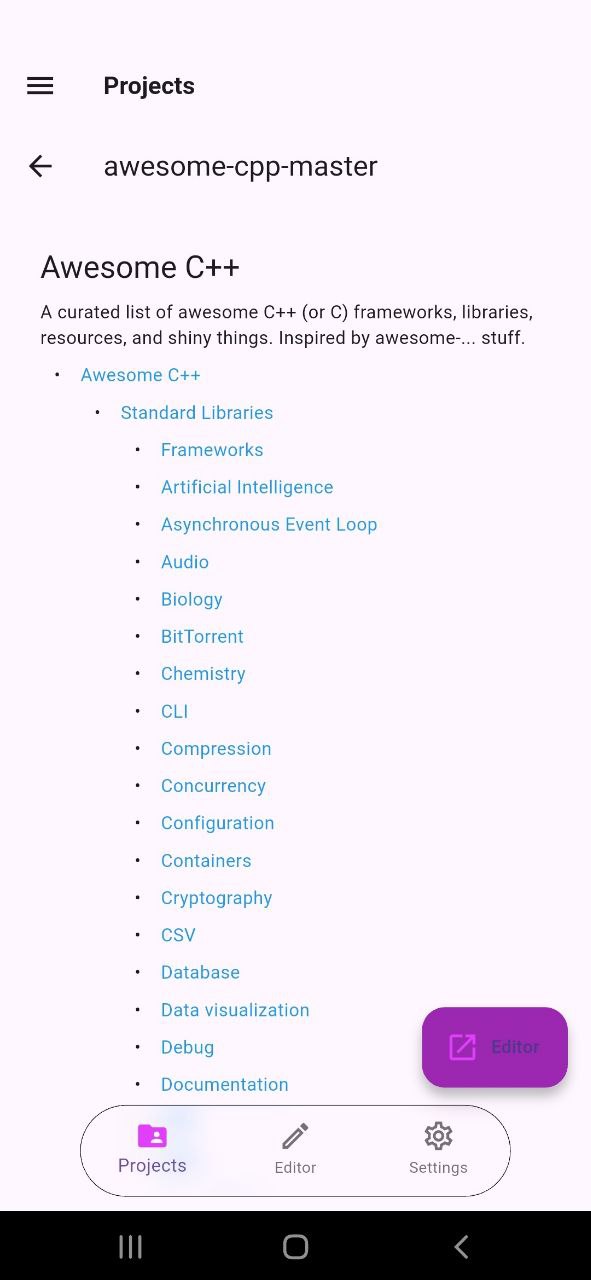
4.2 Preview Settings
Markdown preview is available from the file tree for README and .md files.